Master Cinematic AI
with Kling 3.0
Break the 15-second barrier. Native audio, perfect face consistency, and multi-shot director control — all from a single text prompt.
From Script to Cinema in Three Steps
Kling 3.0 transforms your creative vision into professional video content with an intuitive workflow.
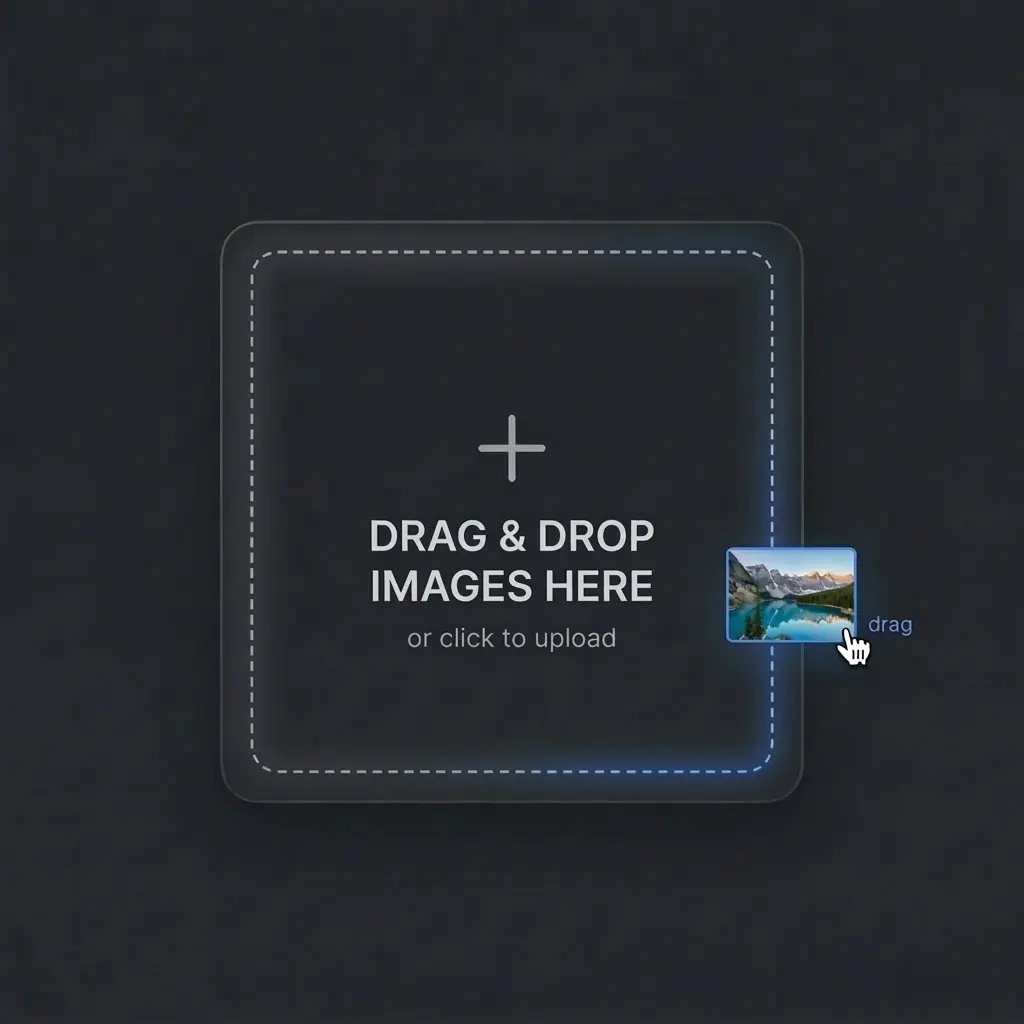
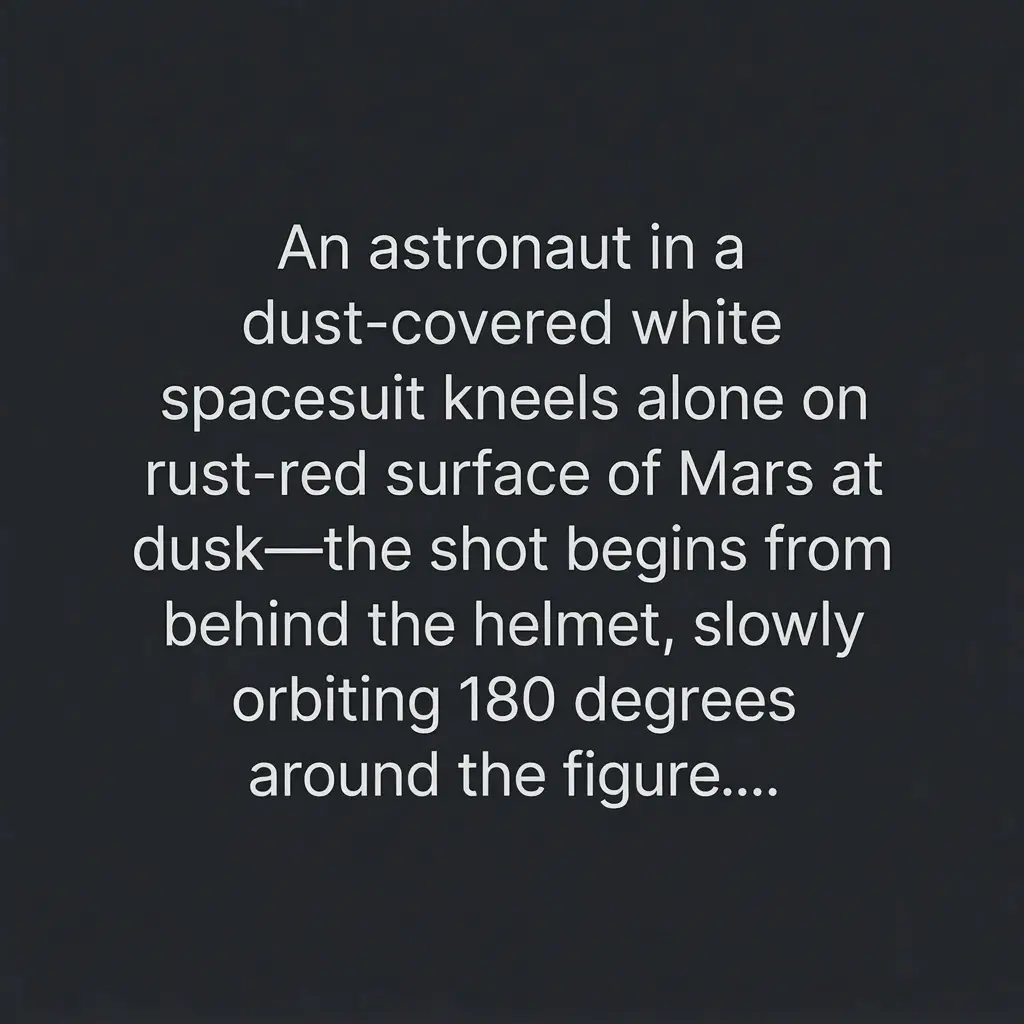
Craft Your Script
Describe your scene with camera angles, lighting, and audio cues — or upload a reference image to guide the motion.
Set Duration & Audio
Choose 3–15s duration, aspect ratio, and enable native audio generation for synchronized soundscapes.
Render & Extend
Click generate. Use multi-shot mode to maintain character consistency across sequences for complete narratives.
Why Kling 3.0 Leads AI Filmmaking
A unified multimodal engine combining cinematic visuals, native audio, and multi-shot control in one generation pass.
Multi-Shot Storytelling
Maintain perfect spatial consistency and character identity across multiple complex camera angles in a single prompt.
- Character consistency across scenes
- Sequential shot generation
- Story arc continuity
Native Audio
Zero post-production. Physics-aware soundscapes and lip-sync generated perfectly in real-time.
- Dialogue and lip-sync
- Environmental ambience
- Sound effect generation
Omni-Reference 3.0
Transfer facial features, clothing, and complex motion data with absolute structural precision.
- Face identity preservation
- Style transfer from references
- Object consistency
Break the 15-Second Barrier
Extended cinematic generations without the morphing, artifacting, or quality degradation seen in previous generations.
Witness the Magic
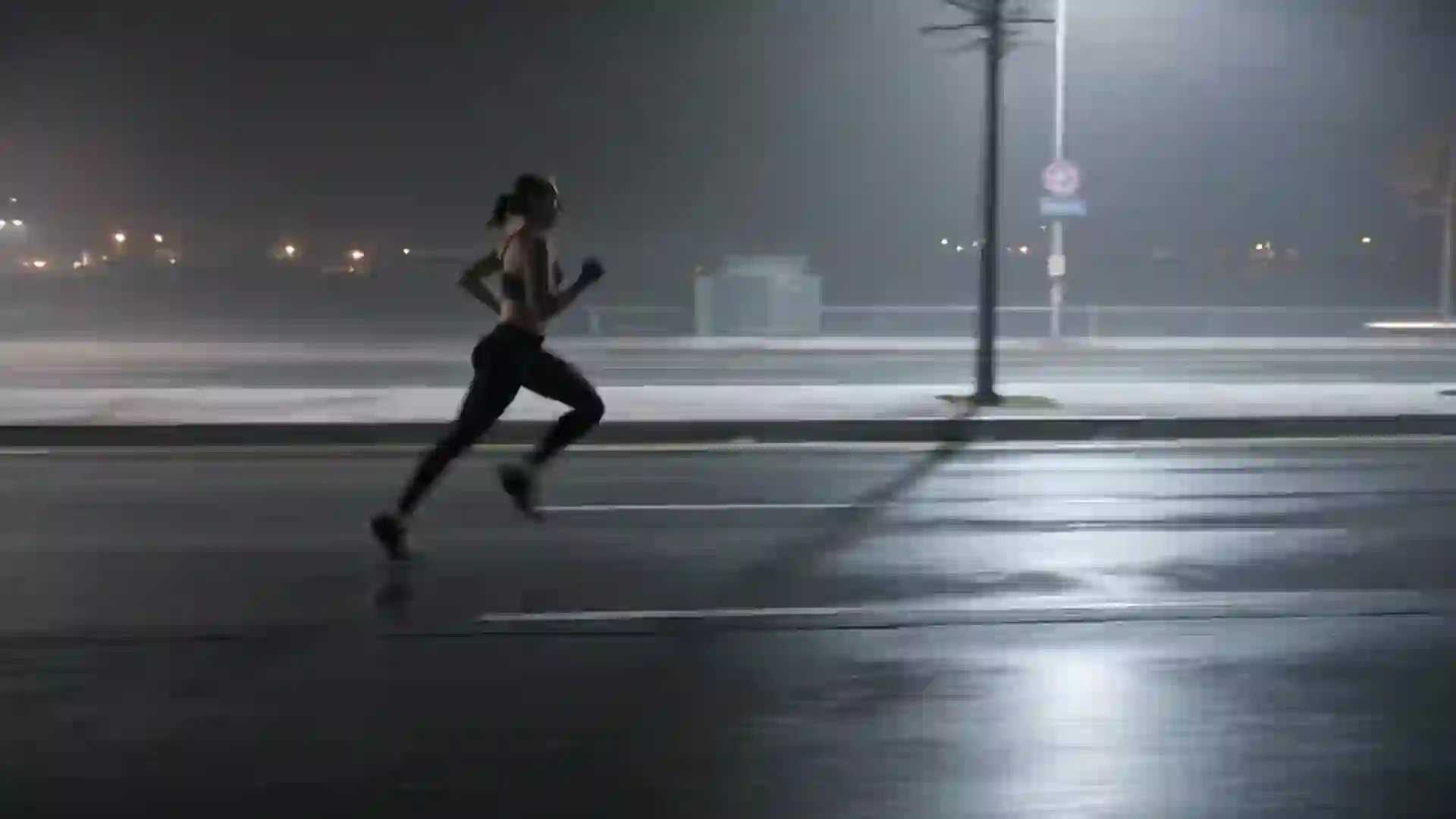
Real outputs generated by Kling 3.0. Click to preview each scene with native audio.
One Engine, Every Workflow
From indie shorts to agency campaigns — see how creators use Kling 3.0 to produce professional video at a fraction of the cost.
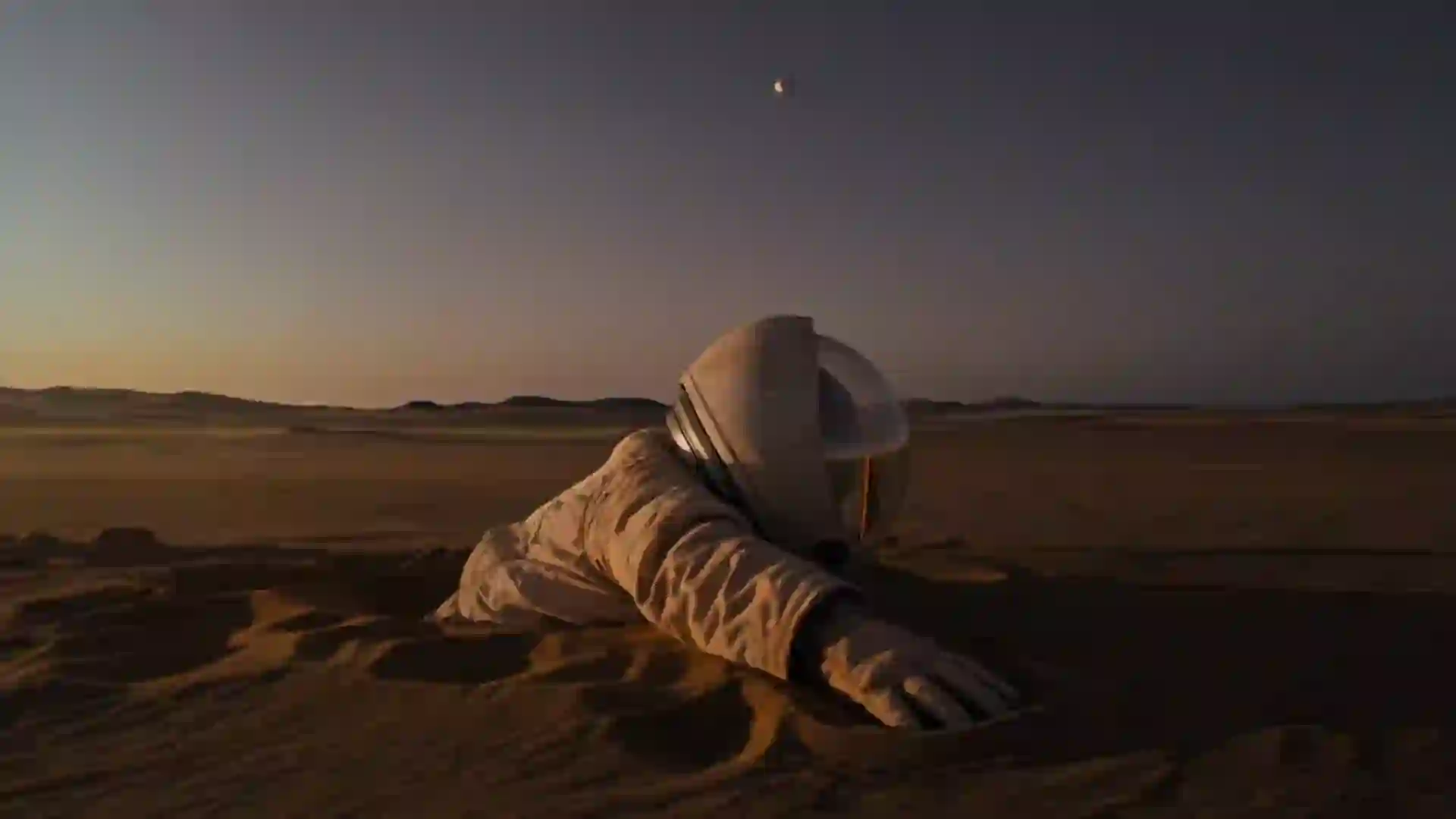
Sci-Fi Opening Sequence
Generated for Indie Filmmakers in 15 seconds with native audio.
Luxury Product Showcase
Agency-grade commercial created in under 2 minutes. Zero post-production.
Neon City Portrait — Vertical
Scroll-stopping 9:16 content with AI lip-sync and ambient audio.
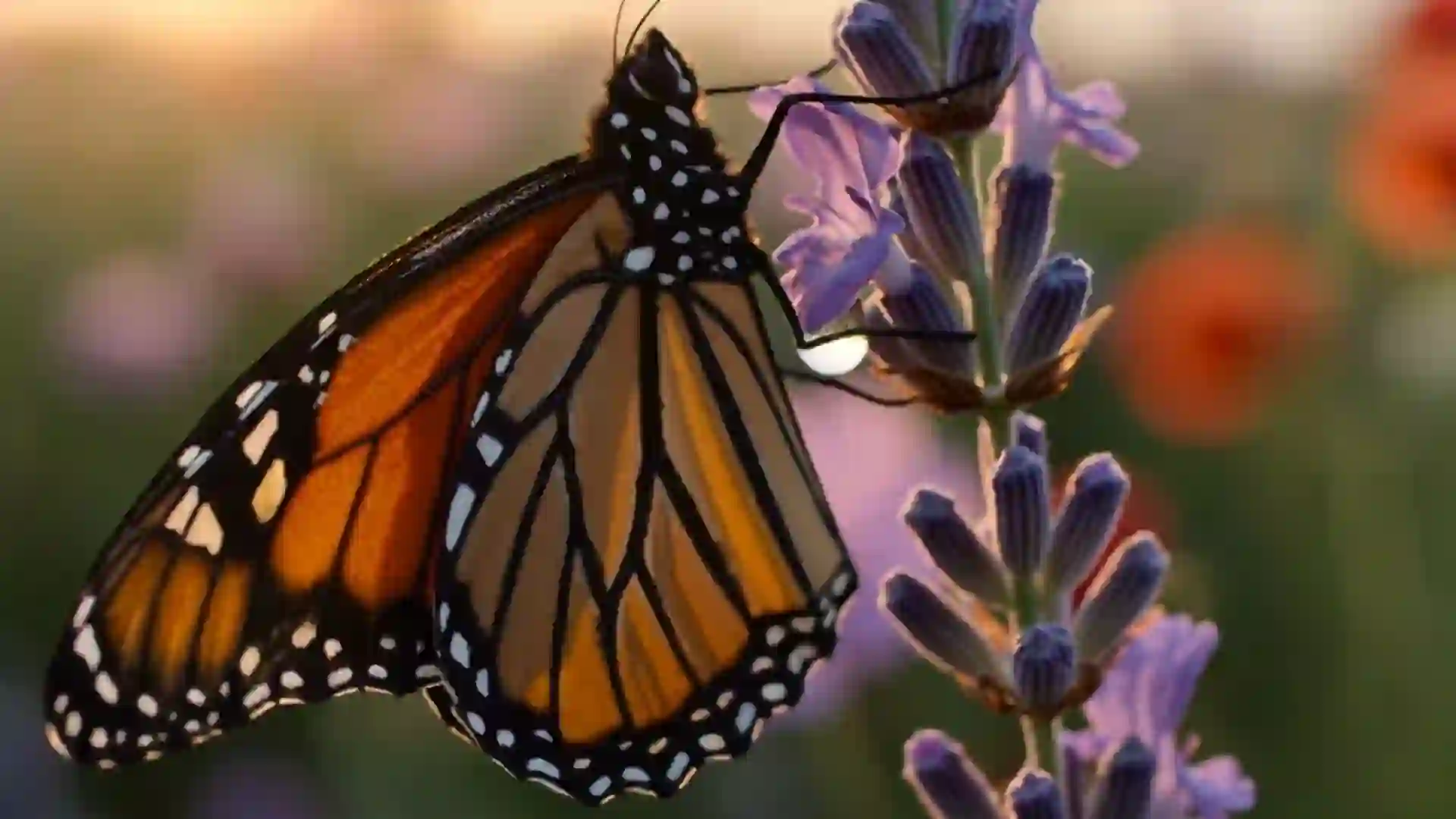
Nature Documentary — Aerial
Validate visual direction with 12-second cinematic previews.
What Creators Are Saying
Real feedback from AI video creators and filmmakers on X.
Build Vertical
@Build_Vertical
AI Tool Developer
bonega ai
@bonega_ai
AI Video Developer
The Warlord AI
@Thewarlordai
AI Insights
Frequently Asked Questions
Generations typically take 2-4 minutes depending on the complexity of your prompt, motion references, and current server load. Native audio sync adds a few extra seconds.
Not at all. Kling 3.0 is entirely cloud-based. Our enterprise-grade servers handle all the heavy rendering. You just need a web browser.
Yes. All videos generated on our paid plans come with full commercial rights. You can use them for ads, client projects, and social media monetization.
You simply upload a base image of your character and a reference video of a person moving. Our AI maps the structural motion and facial expressions from the video directly onto your character flawlessly.
We support multiple formats including 16:9 (Cinematic), 9:16 (Vertical/TikTok/Reels), 1:1 (Square), and 4:3, allowing you to create content for any platform.
Kling 3.0 uses an advanced spatial-temporal attention mechanism. When you generate a multi-shot sequence, the engine locks the character's identity and environment globally, ensuring perfect continuity across different camera angles and scenes.
Yes. By default, Kling 3.0 analyzes the physics, materials, and actions within your generated video to create perfectly synced Foley and ambient soundscapes. You can also input specific audio prompts to guide the sound design.
Absolutely. You can upload an audio file containing your dialogue, and the Omni-Reference system will automatically map the lip movements to your generated character with frame-accurate precision.
Videos are generated natively at 1080p resolution at 30 frames per second. The output is highly detailed, cinematic, and ready for professional post-production workflows without the need for external upscalers.
Credits are calculated based on the video duration and the features enabled. A standard 5-second silent video uses fewer credits than a 15-second sequence with Omni-Reference and Native Audio enabled. Failed generations due to system errors are automatically refunded.
Yes, we offer a robust REST API for enterprise and pro users. You can integrate Kling 3.0's generation capabilities directly into your own applications or workflows. Visit our developer documentation for endpoints and rate limits.
Ready to Direct Your Masterpiece?
Stop compromising on quality. Experience the world's most advanced AI video engine today.
 More AI Video Models