icon AI Text to Image Generator

GPT Image 1.5: The High-Fidelity AI Image Generator
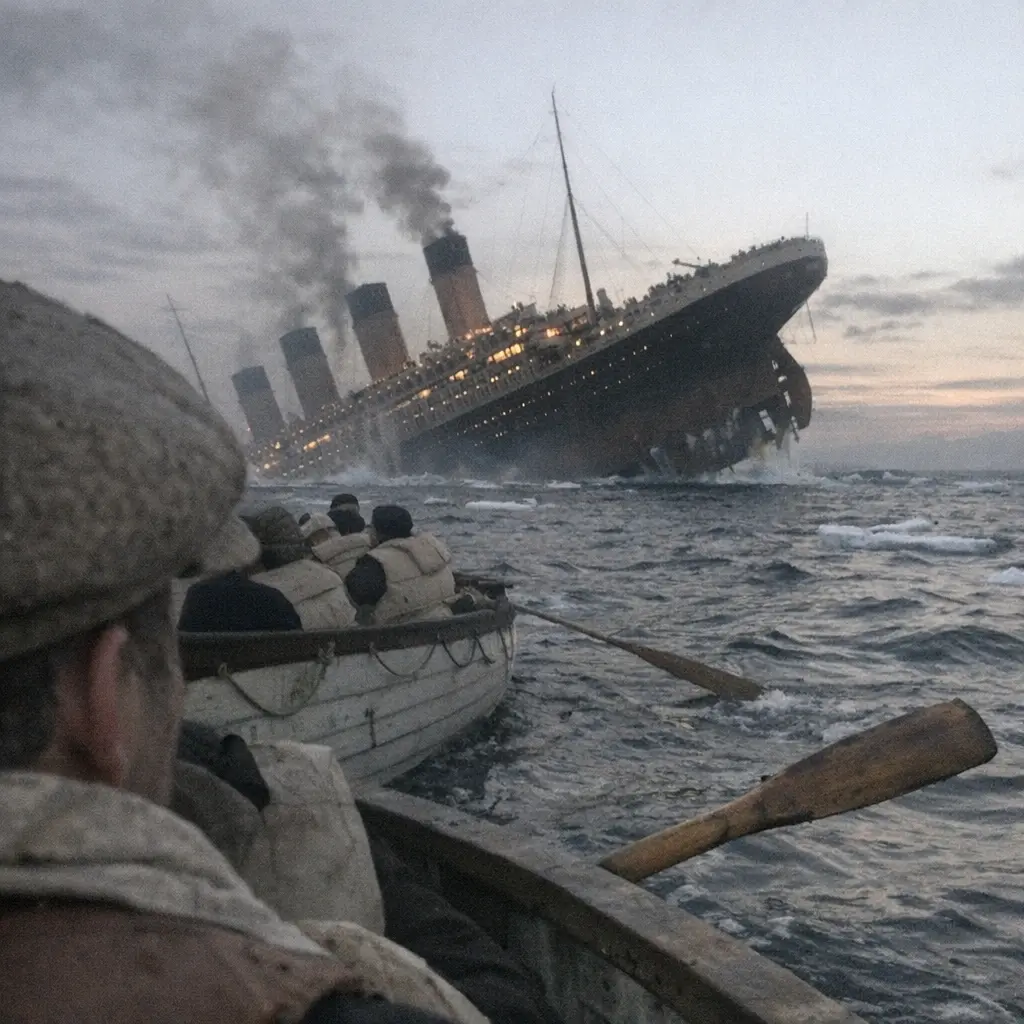
Create visuals exactly as you imagine them. GPT Image 1.5 sets a new benchmark for high-fidelity image generation. Unlike previous models that struggle with complex instructions, GPT Image 1.5 offers unmatched prompt adherence. Whether you are crafting intricate compositions, adjusting photorealistic lighting, or refining fine-grained details, this tool delivers precision where others fail. Experience the next generation of AI art on ToolPlay today. Click "Generate with GPT Image 1.5 Now" to start.
icon Image Generation Guide

How to Use GPT Image 1.5 AI Generator

Follow these steps to create stunning, high-fidelity visuals with GPT Image 1.5 — maximizing prompt adherence and detail accuracy.
Step 1

Select GPT Image 1.5

Choose the GPT Image 1.5 model from the dashboard to unlock advanced composition capabilities and precise lighting control.
Step 2

Input a Detailed Text Prompt

Describe your desired image in depth. Leverage the model's unmatched prompt adherence by specifying textures, lighting, and object placement.
Step 3

Adjust Settings and Ratio

Select your preferred aspect ratio (e.g., 16:9, 1:1) and style settings to ensure the output fits your project requirements perfectly.
Step 4

Generate and Download

Click Generate. In seconds, receive a high-fidelity, photorealistic image ready for instant download or sharing.
icon Core Features

Why GPT Image 1.5 Stands Out in AI Art

Experience the next level of generative AI with unmatched prompt adherence, cinematic lighting control, and high-fidelity details that rival professional photography.

Unmatched Prompt Adherence

Finally, an AI that listens. GPT Image 1.5 executes complex instructions with precision, ensuring every object, color, and action in your prompt appears exactly where you want it.

Cinematic Lighting & Composition

Master the mood of your visuals. From dramatic chiaroscuro to soft studio lighting, preserve perfect compositional balance and depth of field without post-editing.

Fine-Grained High Fidelity

Zoom in without losing quality. Generate crisp, photorealistic textures—from skin pores to intricate background elements—with superior resolution and clarity.

Consistent Style Control

Maintain visual consistency across your projects. Whether you need photorealism, 3D render style, or oil painting aesthetics, GPT Image 1.5 adapts perfectly to your artistic vision.
icon Flexible Pricing

GPT Image 1.5 Generation Costs

Simple credit-based pricing tailored to your needs. Choose 'Low' for rapid testing or 'High' for production-ready, high-fidelity masterpieces. Costs vary by quality and aspect ratio.
Name & RoleCredits
Low Quality (Draft)
2 Credits per image
2
Medium Quality (Square)
6 Credits per image
6
Medium Quality (Wide/Tall)
8 Credits per image
8
High Fidelity (Square)
20 Credits per image
20
High Fidelity (Wide/Tall)
30 Credits per image
30
icon FAQ

Frequently Asked Questions

Explore more articles related to this topic

What makes GPT Image 1.5 different from other AI generators?

GPT Image 1.5 stands out for its unmatched prompt adherence and high-fidelity output. Unlike other models that may ignore specific details, GPT Image 1.5 strictly follows complex instructions, ensuring accurate composition, lighting, and object placement.

Can I use GPT Image 1.5 for free?

Yes, you can start generating for free using daily complimentary credits on Toolplay. For high-volume or ultra-high-fidelity production, flexible credit packages are available.

Do I own the commercial rights to the images?

Yes. You own full commercial rights to all images you generate with GPT Image 1.5 on Toolplay, making them suitable for marketing materials, websites, and merchandise.

How does the credit pricing work?

We offer a flexible 'pay-for-quality' system. Drafts (Low Quality) cost as little as 2 credits, while production-ready High-Fidelity images range from 20 to 30 credits depending on the aspect ratio.

What is 'High-Fidelity' mode?

High-Fidelity mode maximizes the model's processing power to render fine-grained details—such as skin texture, fabric weave, and distant background elements—providing a photorealistic finish ideal for professional use.

What aspect ratios are supported?

GPT Image 1.5 supports multiple aspect ratios to fit any platform, including Square (1:1), Landscape (16:9, 4:3), and Portrait (9:16, 3:4) for mobile content.

icon More AI Image Tools

Explore Related Image Generators

Discover other AI image models for experimentation, speed, and stylistic variety.