Free AI Art Generator Online
ImagineArt Text to Image AI
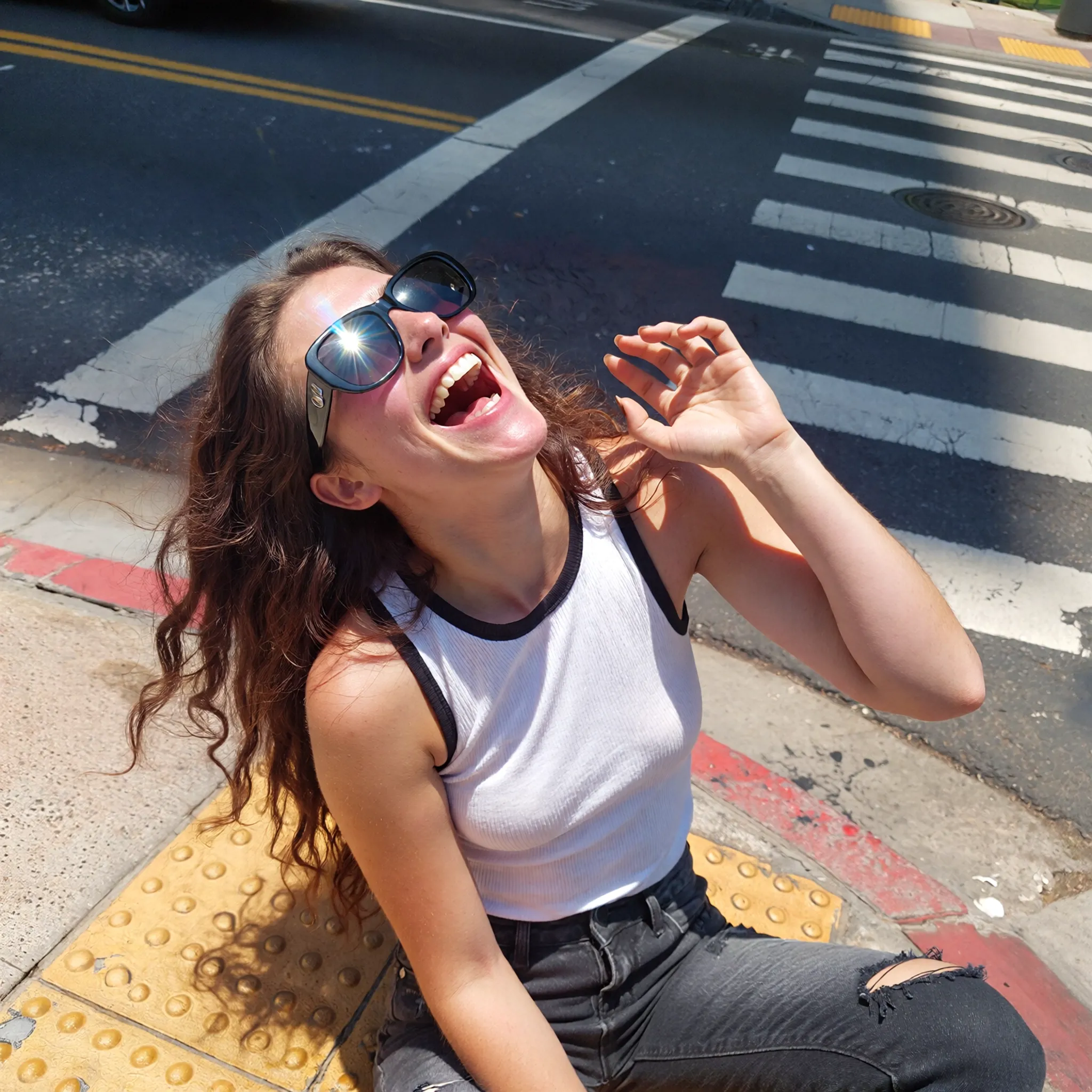 AI Art Creation Guide
How to Use ImagineArt Text to Image Generator
Enter a Detailed Prompt
Select Style & Aspect Ratio
Click Generate
Download or Regenerate
Unleash Your CreativityWhy ToolPlay's ImagineArt Text to Image Generator Stands Out
100+ AI Art Styles
High-Resolution 4K Upscaling
Custom Aspect Ratios
Image to Image Transformation
Simple & Transparent PricingImagineArt AI Image Generator Cost
| Name & Role | Credits |
|---|---|
Standard Generation High Quality Image | 5 |
Anime & Realistic All Styles Included | 5 |
Any Aspect Ratio 1:1, 16:9, 9:16 | 5 |
Fast Rendering Priority Speed | 5 |
Help & SupportFrequently Asked Questions about ImagineArt AI
What is ImagineArt Text to Image?
ImagineArt is an advanced AI generation engine integrated into Toolplay. It transforms text descriptions into high-quality visual art, capable of producing photorealistic images, anime characters, and creative designs in seconds.
How much does it cost to generate an image?
It costs just **5 credits per image**. Our flat-rate pricing ensures you get access to high-resolution downloads and all artistic styles without any hidden fees or complicated subscription tiers.
Can I use the AI images commercially?
Yes. In most cases, you own the commercial rights to the images you generate on Toolplay. You can use them for marketing, social media, or print, subject to our standard Terms of Service.
How do I write good AI prompts?
Be descriptive. Include the **subject** (e.g., 'a cat'), **style** (e.g., 'cyberpunk'), **lighting** (e.g., 'neon light'), and **quality keywords** (e.g., '8k, detailed'). The more specific you are, the better the ImagineArt result.
What art styles are supported?
The tool supports a vast range of styles including **Anime**, **Realistic Photography**, **Oil Painting**, **3D Render**, and **Sketch**. You can specify any style in your text prompt.
Do I need an account to generate images?
Yes, you need to log in to manage your **credits** and save your generated artwork history. Creating an account is fast and ensures your creations are stored safely.
More AI Image Tools