AI Image-to-Video Motion Transfer
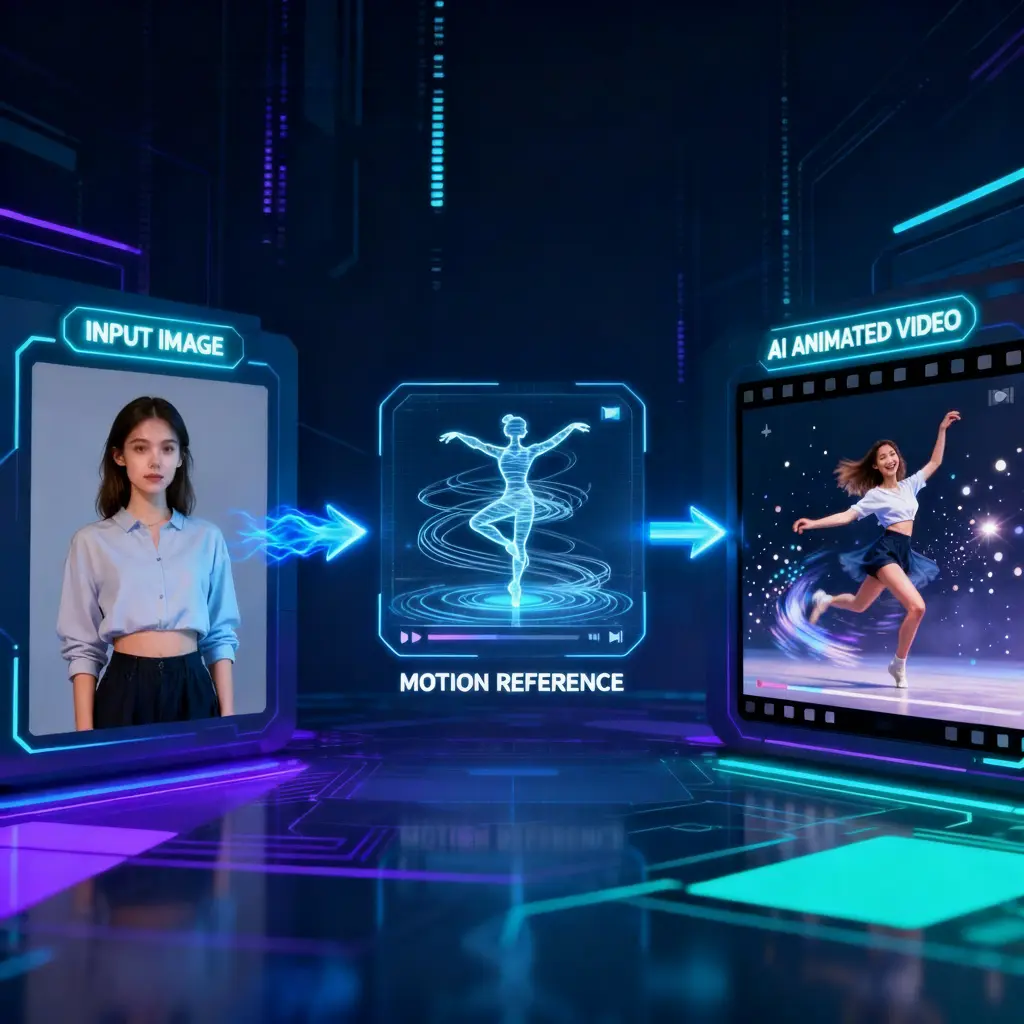
Kling v2.6 Motion Control: Transfer Video Motion to Image
Motion Transfer GuideHow to Use Kling v2.6 Motion Control
Upload Image & Reference Video
Choose Motion Mode
Adjust Motion Settings
Generate & Download
Core CapabilitiesWhy Choose Kling v2.6 Motion Control?
Video-to-Image Motion Transfer
Pro Mode for Complex Dances
Cost-Effective Portrait Animation
Flexible PricingKling Motion Control Credit Costs
| Name & Role | Credits |
|---|---|
Standard Mode 11 Credits / sec | 11 |
Pro Mode 17 Credits / sec | 17 |
FAQFrequently Asked Questions about Kling Motion Control
What is Kling v2.6 Motion Control?
Kling v2.6 Motion Control is an advanced AI feature that lets you animate any static character image by transferring movements from a reference video. It captures body dynamics, gestures, and dance moves with high precision.
What is the difference between Standard and Pro Mode?
Standard Mode (11 credits/sec) is cost-effective and ideal for simple movements or talking portraits. Pro Mode (17 credits/sec) offers superior fidelity for complex full-body dances, rapid actions, and detailed limb consistency.
What kind of reference video works best?
For best results, use a reference video with a clear background and a single person performing the action. Ensure the subject's full body is visible and the camera is stable without excessive shaking or cuts.
How are credits calculated?
Pricing is flexible and based on duration. You are billed 11 credits per second for Standard Mode and 17 credits per second for Pro Mode. You only pay for the exact length of the video you generate.
Can I use my own photos and videos?
Yes. You can upload any character image (anime, realistic, or 3D) and any reference video to create unique motion transfer content on Toolplay.
Can I use the generated videos commercially?
Yes, you own the commercial rights to your generated videos, provided you have the necessary rights to the input images and reference videos used during creation.
More AI Video Tools