AI Multi-Reference Image Editor
Kling O1 Image-to-Image Editor
 Multi-Reference Editing Guide
How to Use Kling O1 Image-to-Image
Input Reference Images
Construct Semantic Prompts
Select Resolution & Fidelity
Generate High-Fidelity Results
Advanced CapabilitiesWhy Kling O1 Is The Best Choice for Precise Editing
Multi-Reference Consistency
Mask-Free Semantic Editing
Context-Aware Transplantation
2K High-Fidelity Resolution
Simple PricingKling O1 Image Editor Pricing
| Name & Role | Credits |
|---|---|
Kling O1 Generation 5 Credits per image | 5 |
Common QuestionsFrequently Asked Questions about Kling O1
What makes Kling O1 different from standard image generators?
Unlike standard text-to-image models, Kling O1 is a specialized 'Image-to-Image' editor. It uses a multi-reference system (up to 10 images) to perform precise subject transplantation and style transfer without requiring manual masking or complex prompt engineering.
How do I use the @Image reference syntax?
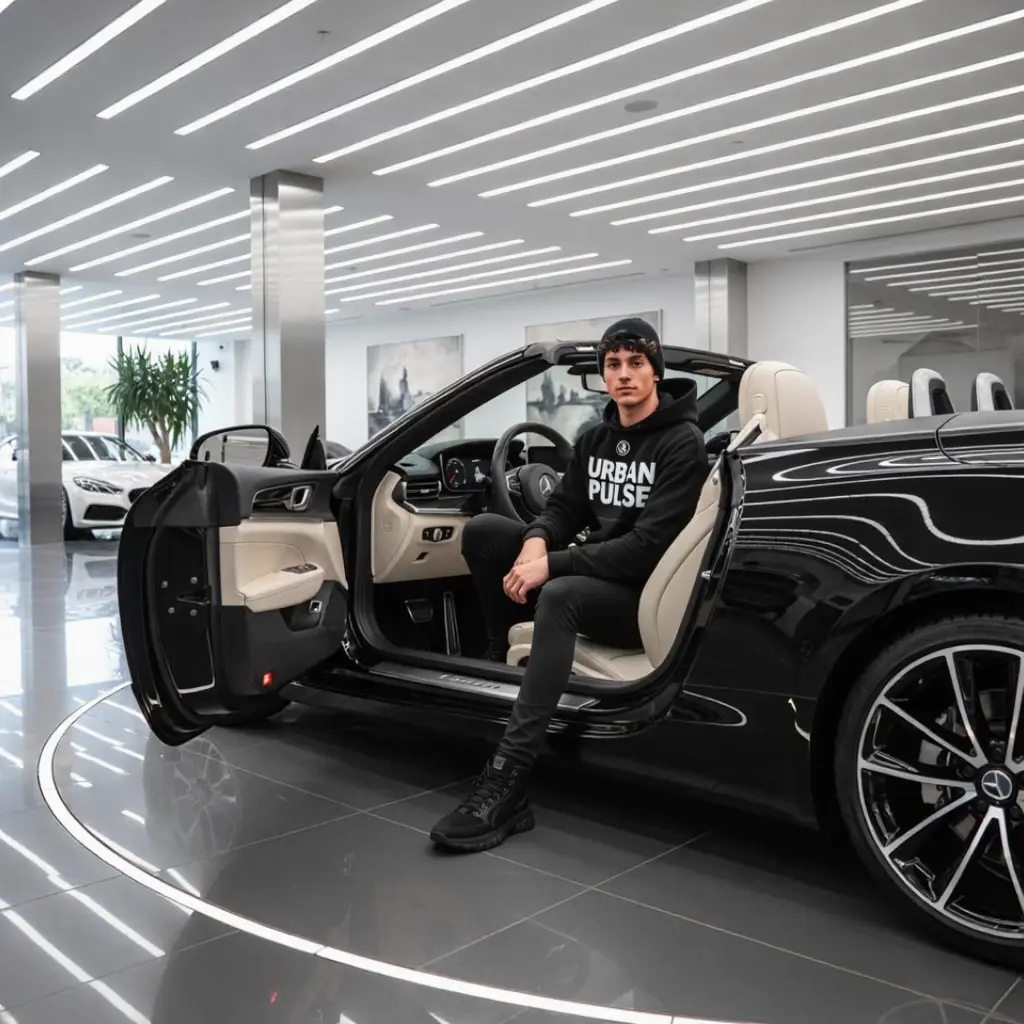
It's simple logic. Upload your source images, and the system assigns them IDs (e.g., @Image1, @Image2). In your prompt, describe the relationship: 'Put @Image1 sitting on the chair in @Image2'. The AI understands the context and blends them automatically.
Can Kling O1 maintain character consistency?
Yes. This is its strongest feature. By referencing a character image (@Image1) across multiple generations, you can place the exact same person into different scenes, outfits, or lighting conditions while preserving their facial identity.
Why does it cost 5 credits per image?
Kling O1 performs complex semantic analysis across multiple input sources, which requires significantly more GPU power than random generation. The 5-credit fee ensures high-fidelity processing and supports output resolutions up to 2K.
Do I need to manually mask the area I want to edit?
No. Kling O1 is a 'mask-free' editing tool. It uses semantic understanding to identify objects and backgrounds. You don't need to paint pixels; just tell the AI what to change using natural language.
What file formats and resolutions are supported?
You can generate images in JPEG, PNG, or WebP formats. The tool supports standard 1K resolution and a high-definition 2K mode (up to 4 megapixels) for professional use.
More AI Image Tools