AI Video to Audio Synthesis
MMAudio AI Video Sound Generator
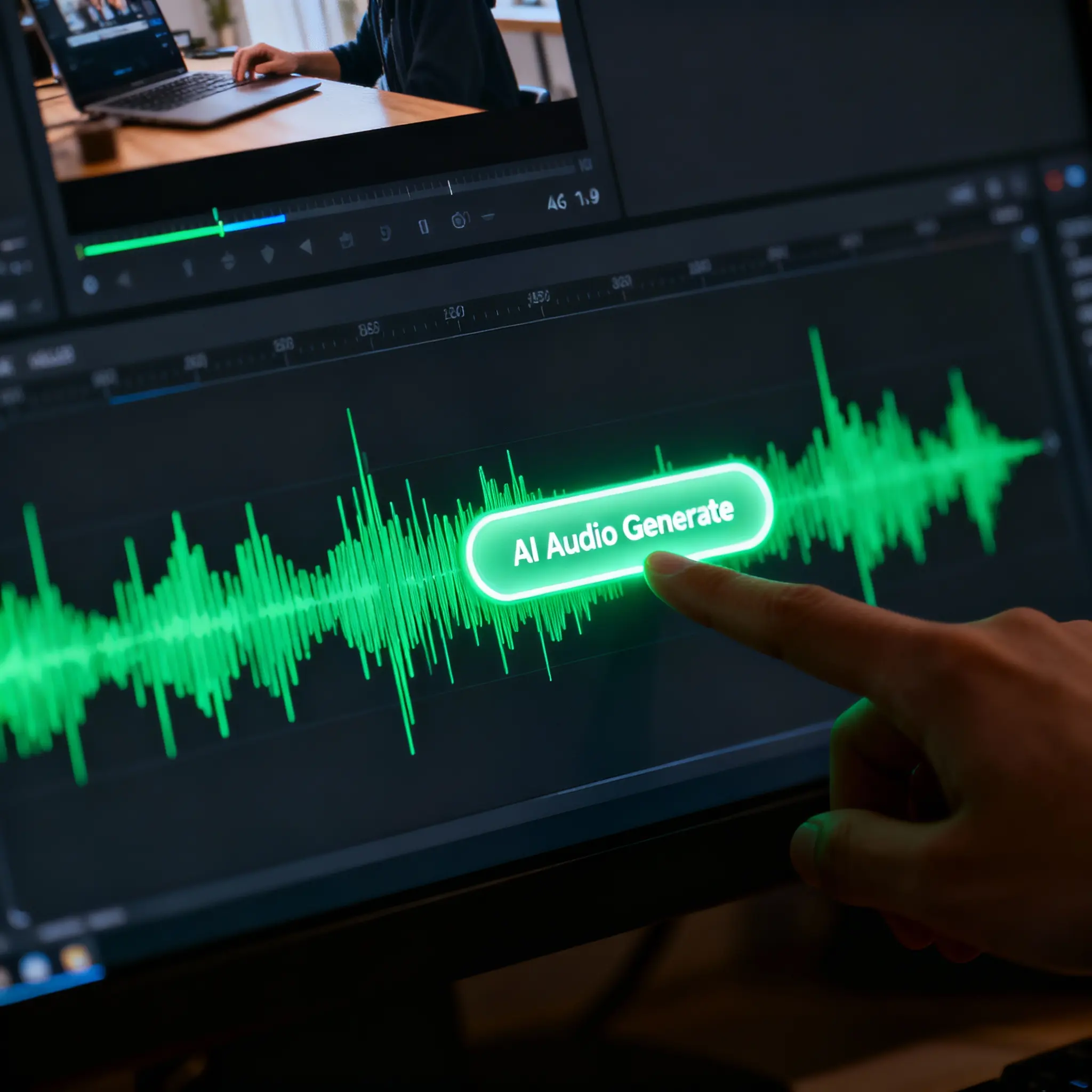 Audio Generation Workflow
How to Use the AI Video Sound Generator
Upload Video or Text Input
Define Sound Context
Sync Audio to Video
Preview and Download
Core CapabilitiesWhy Our AI Video Sound Generator Leads the Industry
Frame-Perfect Audio Sync
Context-Aware Sound Effects
Video & Text Dual Control
Simple PricingPricing for MMAudio AI Video Sound Generator
| Name & Role | Credits |
|---|---|
Base Rate 1 Credit per second | 1 |
5s Video Clip 5 Credits total | 5 |
10s Video Clip 10 Credits total | 10 |
FAQFreq. Asked Questions about AI Video Sound Generator
What is the MMAudio AI Video Sound Generator?
It is an advanced tool powered by the MMAudio model that **transforms silent video into sound-rich content**. It automatically analyzes your video to **sync audio to video**, producing realistic **sound effects**, ambient noise, and background tracks that match the visual context.
Can I add sound to silent AI videos from Sora or Kling?
Yes, absolutely. Our tool is the perfect solution to **add sound to silent AI videos** generated by platforms like OpenAI Sora, Kling AI, Runway Gen-3, or Luma Dream Machine. Simply upload your MP4, and the AI will generate matching audio instantly.
How does the AI sync audio to video?
The model uses deep semantic understanding to analyze the motion and content of your video frame-by-frame. It identifies visual cues—like footsteps, rain, or car engines—and performs **video-to-audio synthesis** to align these sounds perfectly with the on-screen action.
Can I control the audio style with text prompts?
Yes. While the AI automatically detects context, you can also use text prompts to guide the specific style. For example, input 'cinematic sci-fi score' or 'lo-fi beats' to ensure the **generated audio** fits your creative vision.
Are the generated sound effects copyright-free?
Yes. The audio generated by our **AI Video Sound Generator** is unique to your input. You generally hold the commercial rights to the output, making it safe for use in YouTube videos, social media content, and commercial projects (subject to Toolplay's standard terms).
How much does it cost to generate audio?
Pricing is simple and transparent: **1 Credit per second** of generated audio. For example, adding sound to a standard 5-second AI video clip will cost exactly 5 credits.
More AI Video Tools