AI Text to Image Generator
Z-Image Turbo Text to Image
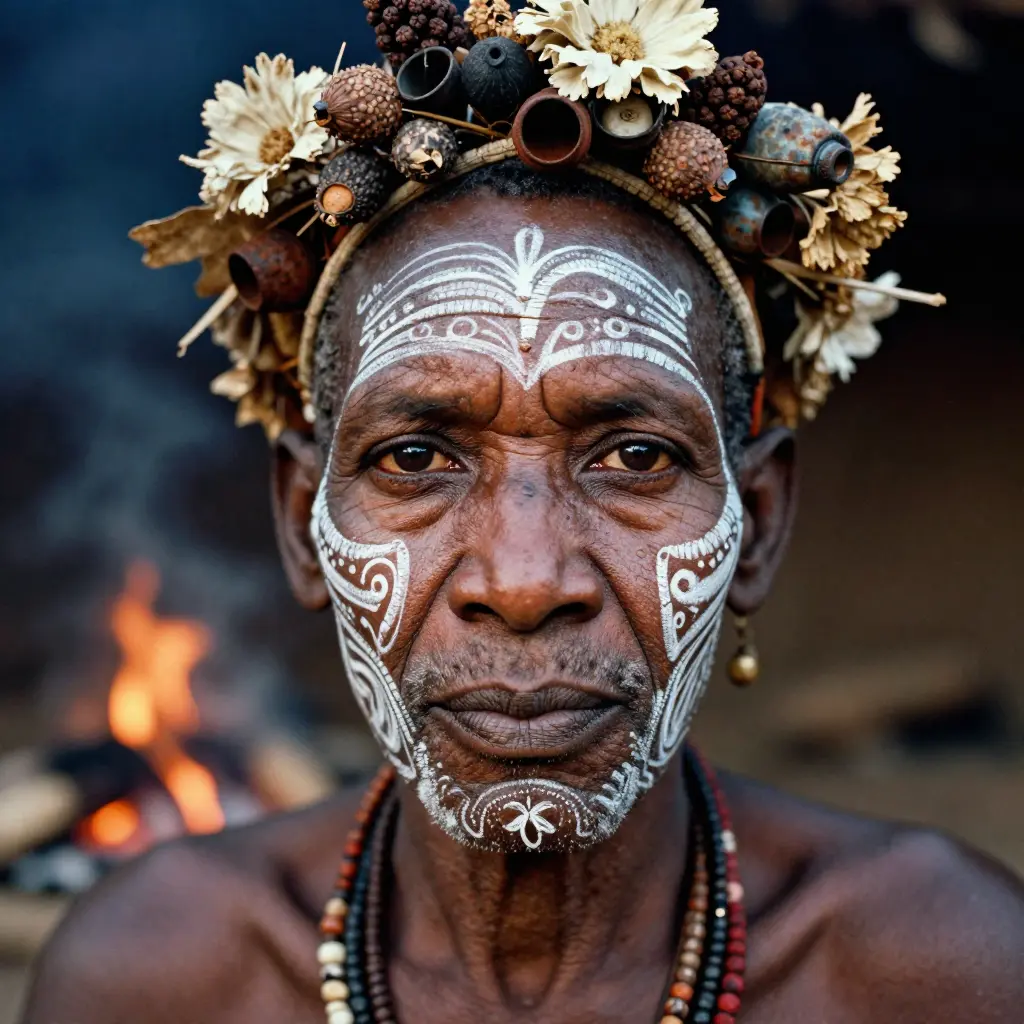 Image Generation Guide
How to Use Z-Image Turbo AI Image Generator
Select Z-Image Turbo Model
Enter Prompt & Enhance
Set Batch, Steps & Ratio
Generate Instantly
Core CapabilitiesWhy Z-Image Turbo is the Ultimate Speed-First Generator
Lightning-Fast 8-Step Inference
High-Volume Batch Generation
Cost-Efficient Scalability
Smart Prompt Expansion
Transparent PricingZ-Image Turbo Generation Costs
| Name & Role | Credits |
|---|---|
Square (1:1) Ideal for Social Media Avatars | 2 |
Portrait (9:16) Perfect for Mobile Wallpapers | 2 |
Landscape (16:9) Best for Web & Video Thumbnails | 2 |
Batch (4 Images) Generate 4 Variations at Once | 8 |
FAQFrequently Asked Questions about Z-Image Turbo
What makes Z-Image Turbo different from FLUX?
Z-Image Turbo is optimized for speed and efficiency. Unlike standard models requiring 20-50 steps, it uses a condensed 8-step inference pipeline to deliver high-quality images 5x faster and at a significantly lower cost.
How much does image generation cost?
It is extremely affordable. We charge a flat rate of **2 credits per image** regardless of the aspect ratio or resolution. Batch generation follows the same simple rate (e.g., 4 images = 8 credits).
What is Prompt Expansion?
Prompt Expansion is a smart feature that automatically enhances short or simple descriptions into detailed, descriptive prompts. It helps you get richer, more accurate results without needing to be an expert prompter.
Can I use the generated images commercially?
Yes. You own the commercial rights to the images you generate using Z-Image Turbo on Toolplay, making them suitable for marketing, websites, and production assets.
What is the maximum resolution supported?
Z-Image Turbo supports flexible resolutions up to 4 megapixels. You can generate images in various aspect ratios like Square (1:1), Portrait (9:16), and Landscape (16:9) without losing quality.
Do I need to know how to code?
No. While Z-Image Turbo is API-based, our Toolplay interface allows you to generate images simply by typing text and clicking buttons. No coding knowledge is required.
More AI Image Tools